 Rui Carmo
I got an Xteink X4 this week, and my first reaction was somewhere between amusement and nostalgia–it is absurdly small, feels a lot better made than I expected for the price, and the form factor harks back to the times when I was reading e-books on Palm PDAs and the original iPod Touch.
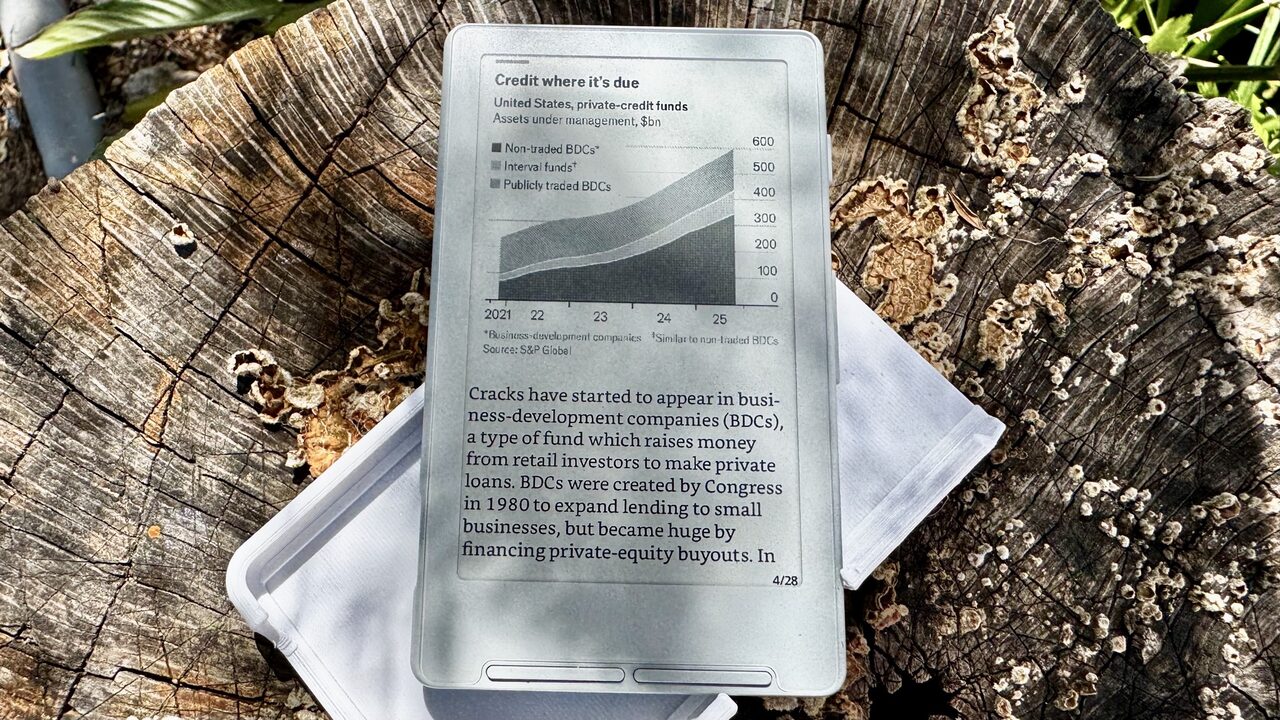
Disclaimer: Even though I paid for the device with my own money, this can be considered a review, so I’m linking to my review policy for consistency.
I had been tracking the hype around the X4 for quite a few months, and part of the appeal here is obvious: it is cheap, tiny, and simple in a way that most e-readers stopped being years ago. But one of the interesting parts for me is that it uses an ESP32-C3 and has already attracted a small but very active firmware community, which means that unlike most budget reading devices, this one has a decent chance of getting better after you buy it.
And yeah, I’m a sucker for a new gadget, and this was both cheap and moddable enough to be a no-brainer purchase.
Hardware
The hardware is exactly the sort of compromise I expected, but with a few pleasant surprises. The body is light, pocketable and thin enough that it feels more like a phone accessory than a “real” reader, and the physical buttons are, at least initially, better than I feared.
The screen is small enough that I don’t think of it as a Kindle replacement–not in the way I thought of the Supernote Nomad as an iPad substitute for a very narrow set of tasks–but more as a sort of digital paperback fragment, something meant for short stretches of reading or carrying around just in case.
There is already an even smaller device, but Xteink decided to remove the USB-C port in favor of a pogo pin connector, and that was more than enough reason for me to pass on it.
That said, the lack of a front light is immediately noticeable, and not in an abstract “spec sheet” way. It changes where and when I can use it, and means I am already mentally classifying it as a daylight or well-lit-room device. That is fine for a toy, or for commuting, but it can be a meaningful constraint if you read in bed or on planes (so far I haven’t really had any issues with it and my bedside table lamp, but this isn’t a deep night reading gadget).
The other immediate hardware tell is that everything about it has been budgeted very carefully–screen size, battery, controls, CPU, software assumptions–and that is both the problem and the charm.
The Button “Problem”
The absence of a touchscreen is, I think, the defining choice here.
On the one hand, I can see the appeal: fewer layers of UI indirection, fewer opportunities for sluggish touch handling, and a somewhat more deliberate feel when all you want to do is page forwards and backwards. On the other hand, every task that is not pure reading becomes a little awkward, and that awkwardness adds up very quickly once you get to Wi-Fi setup, library navigation or anything involving text entry.
This feels a bit like old Palm and iPod territory–perfectly usable once muscle memory kicks in, mildly exasperating until you get used to it.
Stock Firmware, CrossPoint, and the Real Value Proposition
I have not had it long enough to make sweeping claims, but one thing is already clear: the X4’s real value is not the stock firmware, and the very first thing I did after getting it was flashing CrossPoint Reader on it (and I just updated it to 1.2.0 before posting this).
And yes, the reason this device exists in my head at all is the CrossPoint ecosystem, and the fact that there are already multiple forks with visibly different goals–plain upstream CrossPoint, CJK-focused builds, reading-centric mods, and at least one gloriously odd fork that adds a virtual chicken to the whole thing.
That changes the equation quite a bit. Without that community, the X4 would just be an interestingly cheap, slightly awkward e-reader. With it, the hardware becomes a small platform–limited, yes, but still a platform, and something that I can fool around with myself.
And that matters, because the ESP32-C3 underpinnings imply a level of hackability that most mainstream readers don’t even pretend to offer.
Reading On It
This is the part I still need more time with, but which has been a resounding success over the past three days (although that is certainly due to my long history with tiny screens). With CrossPoint, page turns are snappy, chapter navigation a matter of 2-3 clicks, and the default Bookerly font is pretty much perfect.
Although it feels a bit weird to have gotten another, pocketable screen when I effectively work from home and thus have little need for a “snackable” reading device that is always on my person, I find it more appealing (and purposeful) than digging out the Kindle app on my phone.
My instinct is that the X4 will be best for the sort of fragmented reading I typically do when traveling or in short breaks throughout the day–in the Instapaper days, I would take my iPod and read articles converted and pushed over in batches–rather than long, immersive reading sessions. The size almost guarantees that. It is not trying to disappear the way a larger reader does; it is trying to always be there.
Removing Friction
Whether that is enough depends entirely on friction, and with fast page turns, Wi-Fi support and an OPDS client in CrossPoint, that seems quite well in hand.
The missing piece of the puzzle was getting books on it, and even though CrossPoint provides a nice on-device web server to manually upload files to it (which is pretty amazing for an ESP32), I decided to flip the issue around and hack together a very quick Bun OPDS server that works beautifully with my Calibre setup and the X4, letting me browse all my libraries and download books to it without any manual file management at all.
That was a fun little project, and it is already making the X4 feel much more like a “real” reader, to the point where I’ve already started modernizing my ancient Instapaper pipeline in favor of something “better”.
In fact, this might be the push I needed to move away completely from the Kindle ecosystem–I have long preferred to get DRM-free EPUBs, and I can get my Nomad to use OPDS via KOReader…
The Comparison I Keep Making
I keep thinking back to the Nomad, partly because both devices are trying to sell focus through constraints, but they go about it in very different ways.
The Nomad tries to be a deliberate, paper-adjacent environment for writing and reading–and often succeeds, even if syncing and workflow integration kept getting in the way (at least until I found the right combination of SyncThing and Obsidian plugins). The X4 feels less ambitious and, paradoxically, more interesting because of that. It is not trying to be a notebook, or a paper surrogate, or a productivity system. It is just a tiny e-reader with enough open firmware momentum to become something slightly stranger.
I think that honesty may end up working in its favour.
Next Steps
Since this is meant to be pocketable and I always end up stuffing my jacket pockets, I printed a hard case for it to protect the screen and buttons, and am quite happy with the results.
What I want to do next is fairly straightforward:
- Spend a few more days on CrossPoint 1.2.0 and hack away at a moderately sane content pipeline that forces me to read interesting articles on it rather than bookmarking them into a black hole of oblivion.
- Compare that against either the Enhanced Reading Mod or CrossPet–the former because it sounds sensible, the latter because it sounds gloriously unserious.
- Hack away a bit more at that OPDS server to see what I can do about syncing reading progress (I’m the kind of person who never used bookmarks because I had zero issues memorizing page numbers, but I do like the convenience of Kindle’s Whispersync).
- Figure out over a month or so whether this thing fits my actual reading habits, or merely appeals to my taste in tiny hackable hardware.
- And, if all else fails, turn it into a mini TRMNL–the software for that already exists…
Right now, I think the Xteink X4 is more interesting gadget than a fully fleshed out product–but that is not necessarily a criticism. Some of the best gadgets I’ve owned started out exactly that way.