 Rui Carmo
This is a little bit of follow-up to my MiniBook X review – I keep using it routinely (especially when we travel for leisure) and love the little thing to bits, but I’ve been wanting to run it mostly on power saving mode to reap the most benefit out of the hardware (and battery, of course), so I started looking at desktop environment alternatives.
Yes, I could already get a full afternoon (and then some) out of it, but Apple Silicon has spoiled me as far as battery life expectations go, and GNOME has a little bit too much baggage for that kind of extended use.
Since I spend 90% of my time on it writing or coding and still have a penchant for keyboard-driven desktops, I initially switched to Fedora Sway Atomic (gotta love being able to swap environments with a single command…), but later installed Niri and Noctalia Shell because I really like both the idea of a scrolling window environment and the sheer polish of the whole thing–even if there are some rough edges here and there.
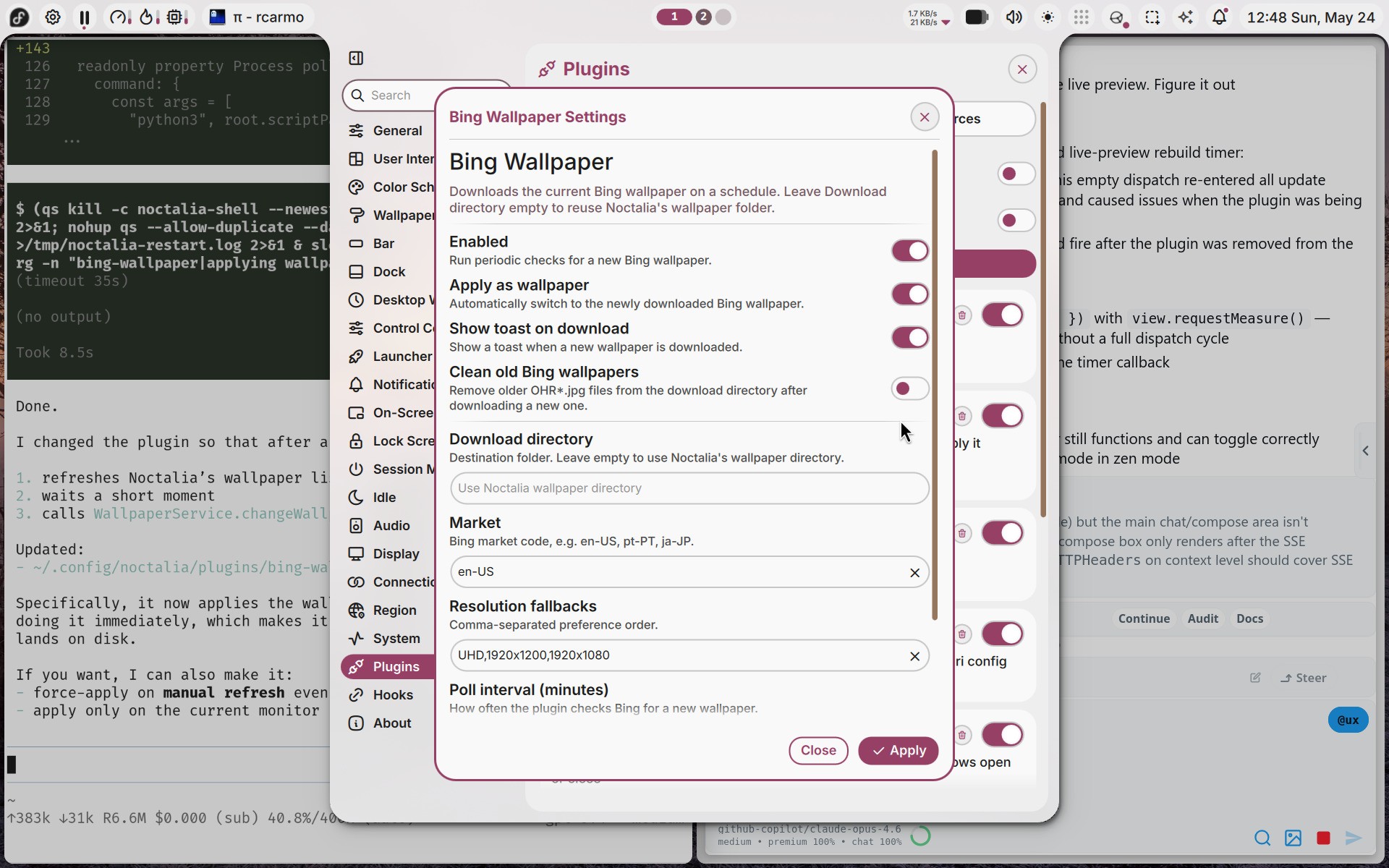
I am very happy with it, and writing plugins for it is trivial:
The one thing that annoyed me to no end, though, was locking on suspend, which Noctalia Shell should do but apparently doesn’t in Fedora, so I had to resort to two hacks:
Locking on Lid Close
The first was adding a switch-events block to the Niri config to trigger the lock screen when the lid closes:
switch-events {
    lid-close {
        spawn "qs" "-c" "noctalia-shell" "ipc" "call" "lockScreen" "lock"
    }
}
Idle Lock via swayidle
The second was setting up a swayidle systemd user service to lock after 5 minutes of inactivity and suspend after 10:
[Unit]
Description=SwayIdle Service
After=graphical-session.target

[Service]
Type=simple
ExecStart=/usr/sbin/swayidle -w \
    timeout 300 'qs -c noctalia-shell ipc call lockScreen lock' \
    timeout 600 'qs -c noctalia-shell ipc call sessionMenu lockAndSuspend'
Restart=on-failure
TimeoutSec=30

[Install]
WantedBy=graphical-session.target
This last one feels extremely gauche and I hope to find a better way, but I guess this comes with the territory. I don’t really care about having a trendy Wayland desktop (I just want a dead simple one with a bit of polish), but I hope this kind of hacks won’t be necessary for much longer.
Oh, and of course I set gsettings set org.gnome.desktop.wm.preferences button-layout 'close,minimize,maximize:appmenu' to match macOS decorations.